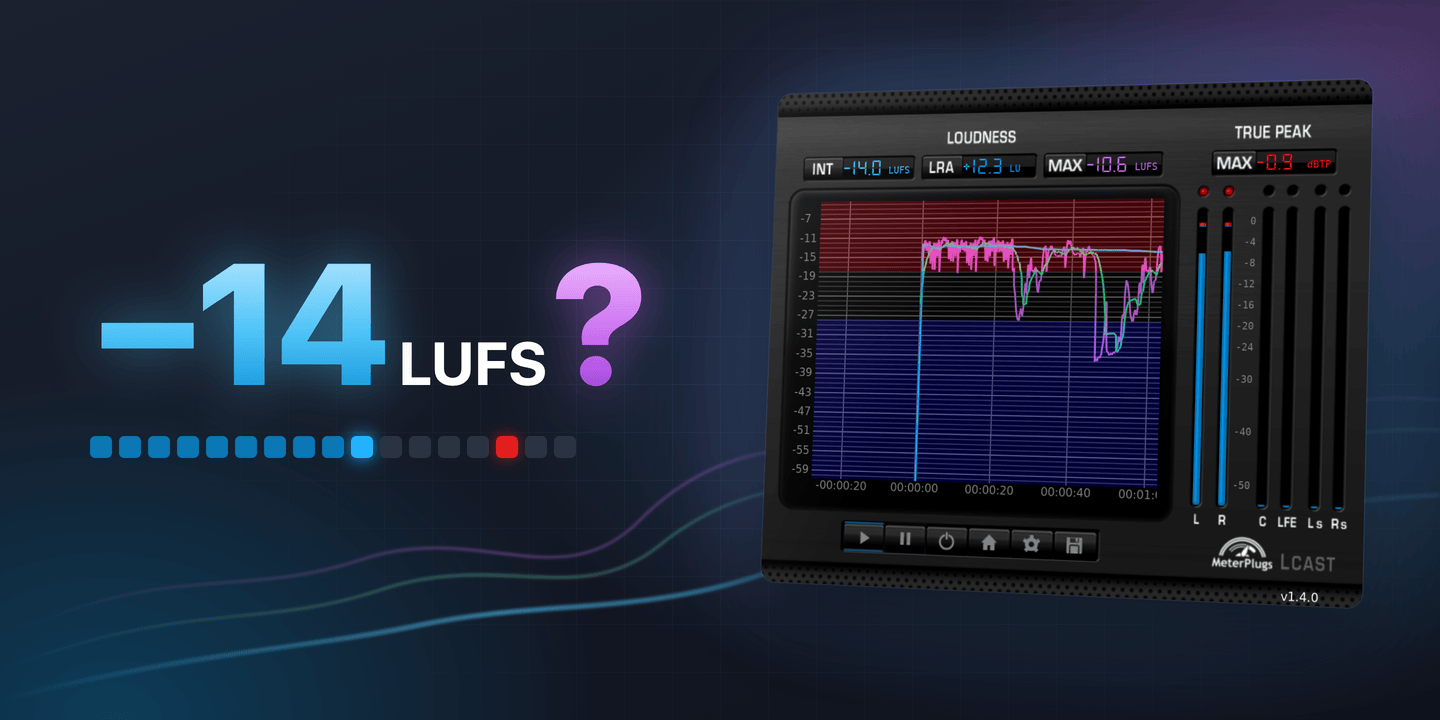
We’re frequently asked: should you master to -14 LUFS? Spotify plays music back at -14. So do YouTube, TIDAL and Amazon Music. Shouldn’t that be the number to aim for?
Short answer: no. Here’s why, and the case where it might be a good idea after all.
The short version is on video; the full answer is below.
A playback level, not a mastering target
-14 LUFS is a normalization level. Streaming services use it to make listening more consistent, so the next track in a playlist doesn’t jump out louder or drop away quieter than the last one. The platform measures your track’s integrated loudness and adjusts the playback volume to match.
That describes what happens to your music after you upload it. It isn’t a delivery spec, and none of these services asks you to master to it. (For the full picture of how each one handles loudness, see Streaming Loudness in 2026.)
So why not just master to -14 anyway? There are four good reasons.
1. An album isn’t one level
If you’re mastering an album, you probably don’t want every song at the same loudness. That gets monotonous. You’ll want some songs to hit a bit harder and others to sit back, so the record has shape.
Some streaming services keep those differences, too. Spotify and Apple Music use album mode when someone plays a full album, applying one gain offset to every track. TIDAL uses it all the time, even for shuffle and playlists. A quiet interlude stays quiet next to the loud single, just as you mastered it. Masters that all sit at -14 would lose that contrast.
2. You want a louder, more aggressive sound
Maybe your master measures louder than -14 LUFS because that’s the sound you’re going for: dense, aggressive, in-your-face. That’s a legitimate choice.
You could also try a more dynamic version and hear how it compares. But if you’re happy with the sound, go with it.
Just know that your song won’t play back louder than anything else. A master at -9 LUFS will be turned down about 5 dB on Spotify, to roughly the same playback level as everything around it. You keep the character of a loud master, not the extra volume.
3. Your music is naturally dynamic
Now take the opposite case: an orchestral piece, a jazz record, a quiet acoustic track. To reach -14 LUFS, you might have to squash it with a lot of compression and limiting, and lose the dynamics that make it work.
Instead, keep the dynamics and accept that it’ll play back a little quieter than everything else on some platforms. YouTube, TIDAL and Amazon Music only turn tracks down, never up, so a -18 LUFS master stays at -18. For music like this, that’s often a trade worth making.
4. -14 isn’t everyone’s number
Not every service plays music back at -14 LUFS. Apple Music uses -16 LUFS. Deezer uses -15. YouTube Music (not to be confused with YouTube) uses -7. Even Spotify has more than one level: -14 is the default, but Premium listeners can switch to Loud mode at -11 LUFS or Quiet mode at -19.
So a master at -14 LUFS will be turned down 2 dB on Apple Music, and turned up 3 dB in Spotify’s Loud mode, through a limiter you don’t control. There’s no single number that lands “perfectly” on every platform.
So when does -14 LUFS make sense?
With all that said, there’s a reason the number comes up so often. -14 LUFS is a bit of a sweet spot.
It’s the default playback level on Spotify, YouTube, TIDAL and Amazon Music. Master there, and your track will play back about as loud as anything else on those platforms, without being turned down (or only slightly, on Apple Music and Deezer). At the same time, you keep plenty of room between your loudness and a -1 dBTP true-peak ceiling: around 13 dB for transients, punch and impact.
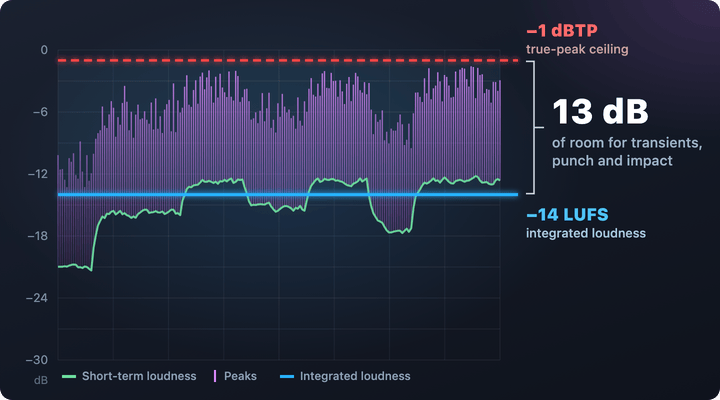
A master at -14 LUFS integrated, with 13 dB of room below a -1 dBTP true-peak ceiling.
You get loudness and dynamics. That’s a good place to be. It’s just not the only good place.
Choose the level that works for your music
Ultimately, the right level depends on your music and what you’re trying to achieve. A number can’t tell you that. Your ears can.
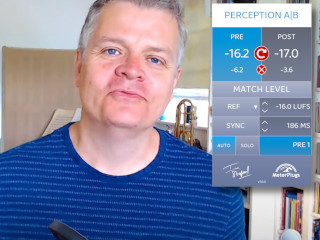
We highly recommend choosing a few reference tracks in the same genre and listening to them side by side with your own. Match the loudness first, so the comparison is fair. Otherwise the louder track will almost always sound better, whether it is or not. Perception AB does this for you, inside your DAW.
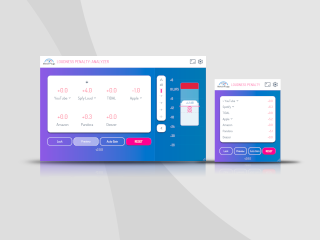
Then check what the streaming services will do. We built the free Loudness Penalty web tool so you can see whether your track will be turned up or down on each service, and preview the result before you upload. No surprises. If you’d rather check while you’re still mastering, the Loudness Penalty plugin does the same thing in real time.
The goal isn’t to hit -14 LUFS, or any other number. It’s to make an informed choice about how your music sounds when it reaches the people listening.